
Enter the various status options that your company uses on Purchase Orders, such as Void, Approved, etc.
Create a Custom PO Status
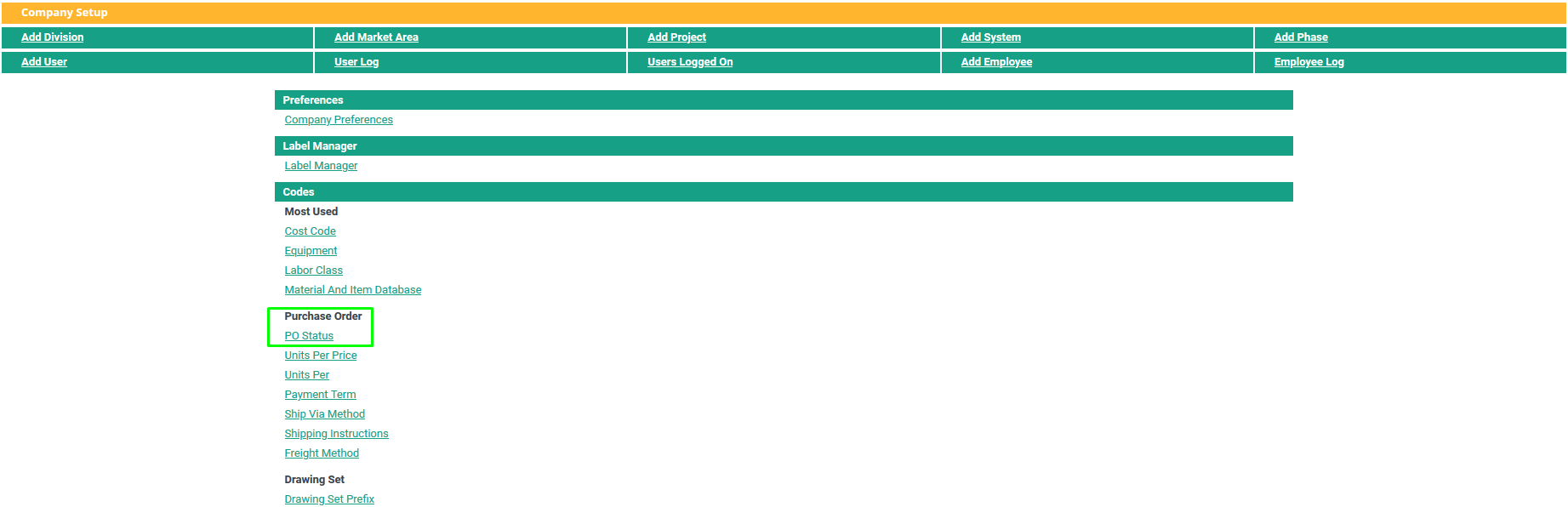
Go to Start > Settings > Administration > Company Setup
Click on PO Status.
Add a value in the Status Name field.
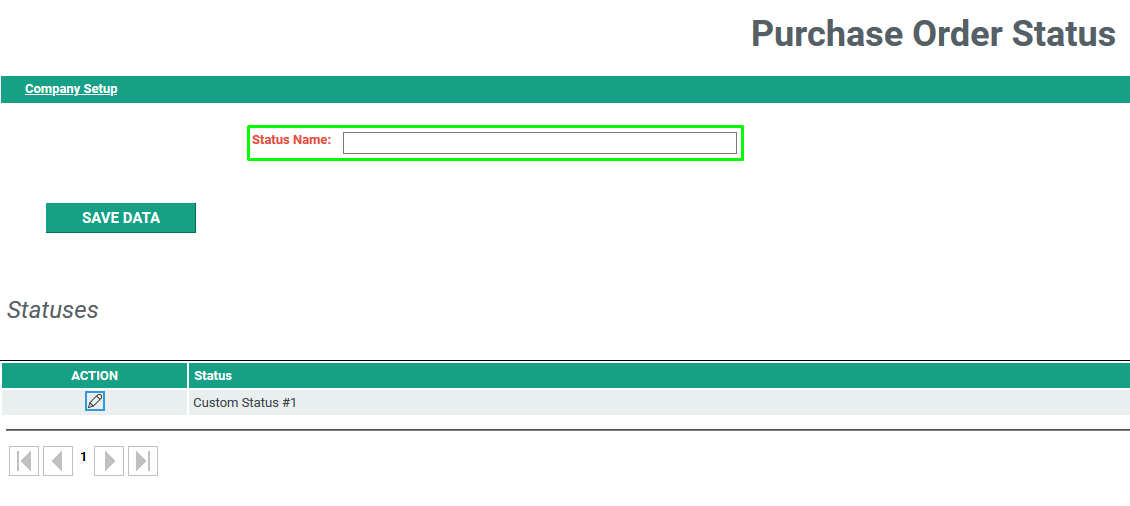
Click Save Data.
Editing a Custom PO Status
Go to Start > Settings > Administration > Company Setup
Click on PO Status.
Existing PO Statuses will be listed on this screen
Click the Edit "Pencil" icon  to make a change to a code here.
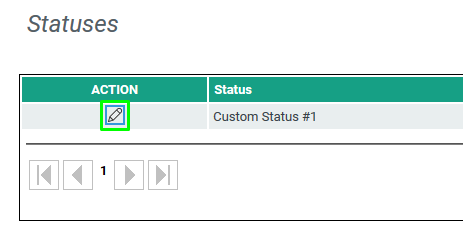
Make any alterations to the existing status and click Save Data.
Comments
0 comments
Please sign in to leave a comment.